
If you use PHP, WordPress, Laravel, CodeIgniter, or another PHP-based platform, you may have heard about a recent security issue called PHP2Shell.
In October 2026, two critical vulnerabilities were disclosed in PHP itself. These issues can put websites and servers at risk if they are not properly patched.
Let’s understand PHP2Shell in simple language and see what website owners should do.
What Is PHP2Shell?
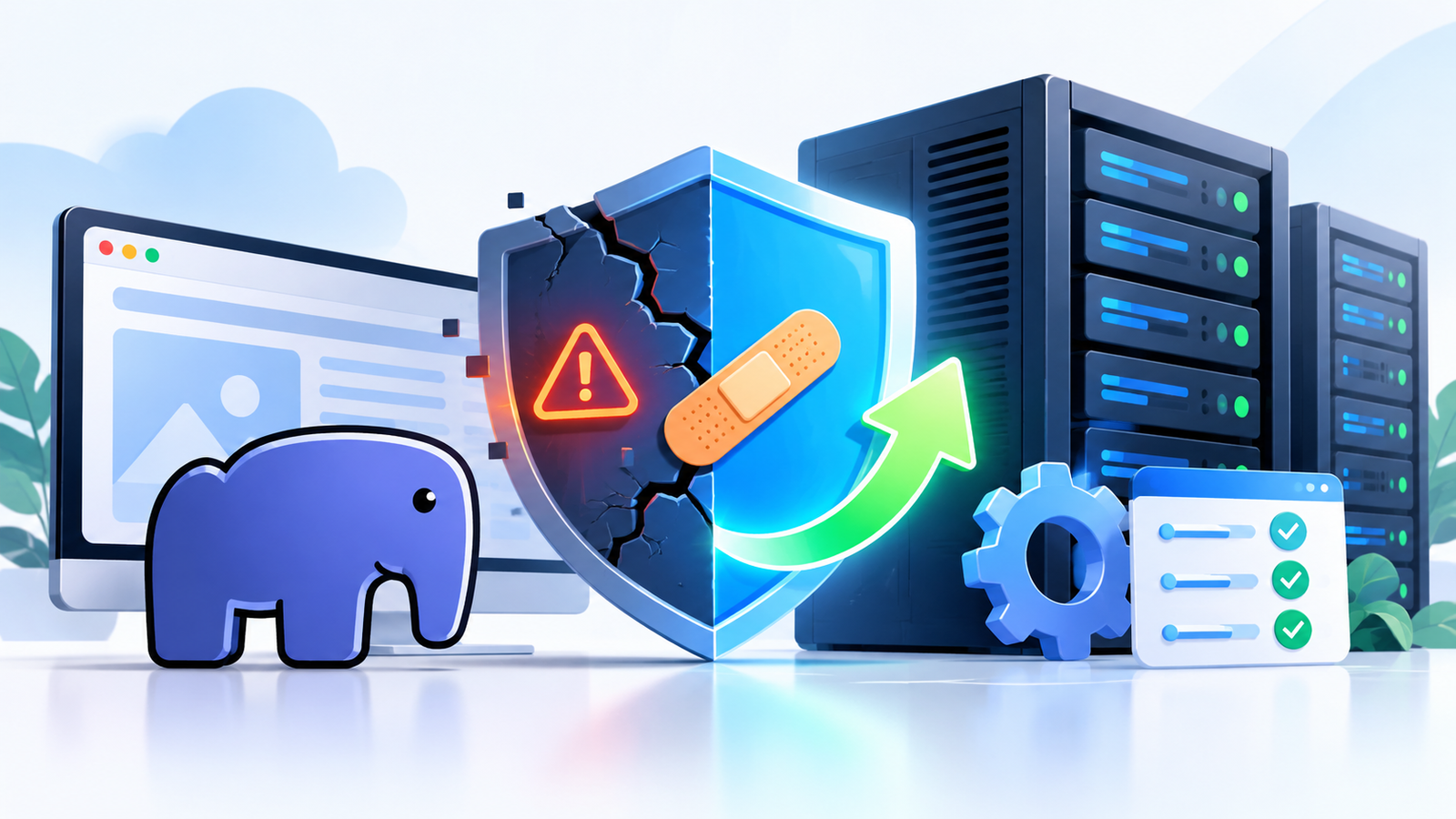
PHP2Shell is the name given to two critical security vulnerabilities in PHP.
PHP is a programming language used to build websites and applications. WordPress, Laravel, CodeIgniter, and many other platforms rely on PHP.
The name PHP2Shell describes how an attacker could potentially go from sending a request to a PHP server to running commands on that server.
In simple terms, an attacker could potentially take control of a vulnerable server without logging in. This depends on the server and its configuration, but the risk is serious.
How Does PHP2Shell Work?
You don’t need to understand the technical details to understand the risk.
Imagine a website server as a computer that receives requests and responds to visitors.
PHP processes those requests and manages the data needed to handle them. The PHP2Shell vulnerabilities involve problems with how PHP manages memory when certain requests fail or are interrupted.
An attacker could exploit these problems to make the server run unauthorized code.
This could put website files, stored data, and the server itself at risk.
Why Is PHP2Shell a Serious Issue?
There are three main reasons:
- It affects PHP itself: Updating WordPress, Laravel, themes, or plugins alone does not fix a vulnerability in the PHP engine.
- Login may not be required: A vulnerable server could be attacked through a specially crafted request.
- Many websites use PHP: Websites running affected PHP versions may be at risk, including sites built with popular CMS platforms and frameworks.
The PHP project released fixes on October 21, 2026. Security agencies have advised organizations to apply the updates promptly.
How Can You Fix PHP2Shell?
The most important step is to ensure that your server is running a properly patched PHP version.
The PHP project released fixes in these versions:
- PHP 8.5.12
- PHP 8.4.27
- PHP 8.3.36
- PHP 8.2.35
Use the latest patched release available for your supported PHP branch. Older, unsupported versions need special attention because they may not receive regular security updates.
Important: Updating your PHP version is the complete fix for these two vulnerabilities. Updating WordPress or its plugins is not a substitute.
Does Hostinger Automatically Protect Your Website?
The answer depends on your hosting plan.
1. Shared, WordPress, and other managed hosting
Hostinger reported that it deployed protections and the PHP fixes across its managed hosting servers. According to its published guidance, customers on these plans did not need to take additional action for the PHP2Shell vulnerabilities covered by that update.
You can still check your hosting dashboard or contact Hostinger support to confirm your site’s current protection status.
One important detail: a managed hosting provider may apply a security patch without changing the PHP version number displayed in your dashboard.
2. VPS hosting
With a VPS, you are generally responsible for managing the server software yourself.
You should update PHP to a patched release and restart the relevant PHP services as required. If you cannot update immediately, follow the hosting provider’s official temporary mitigation instructions.
Do not assume your VPS is protected simply because it is hosted by Hostinger.
For the latest instructions, read Hostinger’s PHP2Shell security guidance and its VPS protection guide.
What Should Website Owners Do Now?
Here is a simple checklist:
- Check which hosting plan you use.
- Confirm that the PHP installation serving your website is patched.
- If you manage your own server, apply the relevant security updates and restart PHP services.
- Keep WordPress, themes, plugins, and other application software updated.
- Maintain regular backups and monitor your website for unusual activity.
Remember, keeping your website updated is an ongoing responsibility, not a one-time task.
Final Thoughts
PHP2Shell is a reminder that website security depends on more than application code. The underlying software and server environment matter too.
If you use managed hosting, check your provider’s security notice. If you manage your own VPS, make sure you apply the necessary updates.
A few simple checks today can help protect your website and its data.
Useful resources:
This article is for general educational purposes. Check your hosting provider’s current security guidance for instructions specific to your server.
Finally found a sports betting site that actually gets how players think. The odds are fair and I love how easy it is to track my live matches right from my phone. Already shared it with my buddy group because it just works so well. coolbetchile